Description
When making Streamer.bot tools available to other people, there are often opportunities to let users customize the tool to suit their needs or to just give it their own personality. That can be accomplished a number of ways including by asking users to modify your code or by using persisted global variables. Unfortunately, when a user modifies your code, it is difficult to import updated versions. Persisted global variables are handled via a small dialog so working with a long list can be difficult.
Many other applications handle customization via configuration files. It allows users to update the application without blowing away the configuration. It also groups all the configurations into a single place.
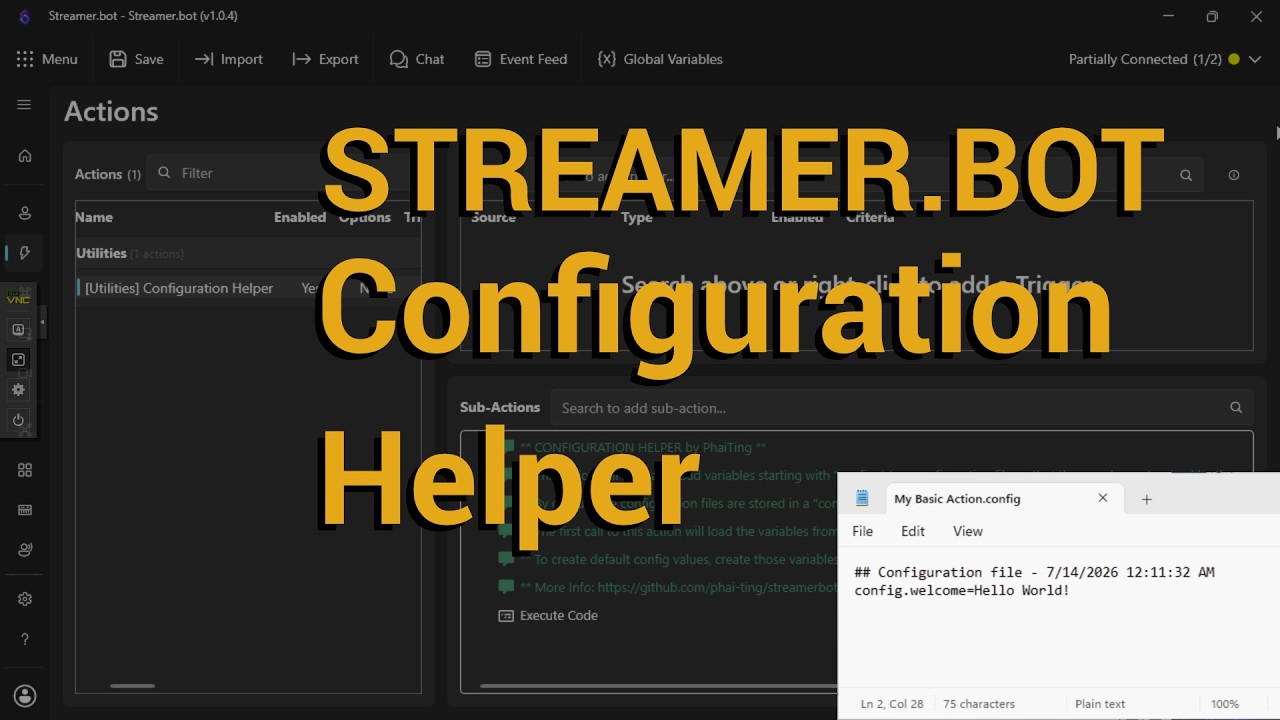
Configuration Helper lets Streamer.bot actions work with configuration files just by adding a sub-action to call the Configuration Helper action (Core -> Actions -> Run Action). It will create the configuration file with your default values on the first run of your action. On subsequent runs, it will read from that configuration file.
Video Tutorial
Import File
- Utility - Configuration Helper.sb (5.2 KB)
Installation
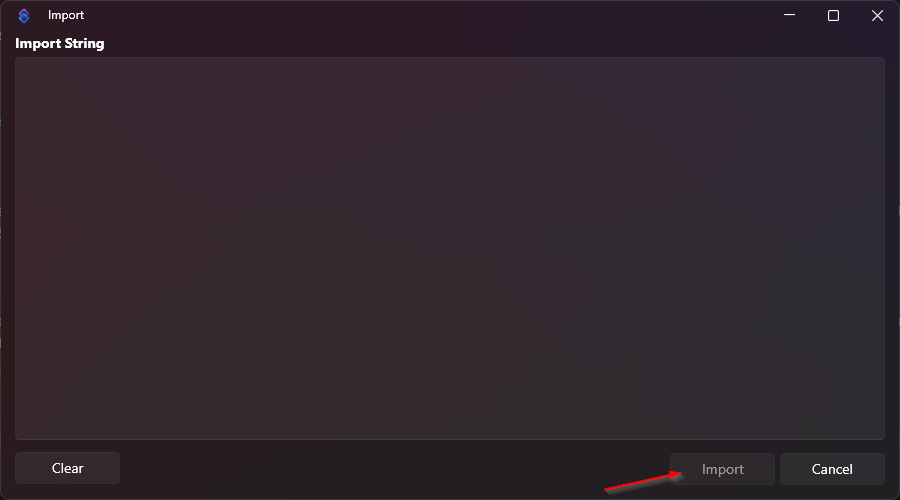
In Streamer.bot click the Import button in the top menu. Drag the Utility - Configuration Helper.sb file into the Import String field.
First Step
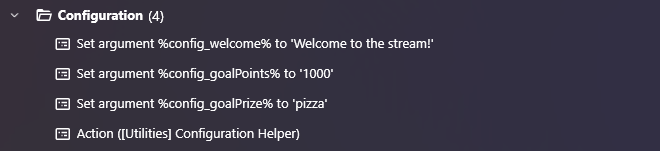
Create a group of variables via Set Argument for the variables that users should be able to customize.
Each of these need to have a name that starts with “config_”.
These values will be used as the default values written to the configuration file.
Second Step
After all the “config_” variables have been created, add a Run Action sub-action that calls [Utility] Configuration Helper.
It would look something like this:
Configuration
No additional configuration is necessary.
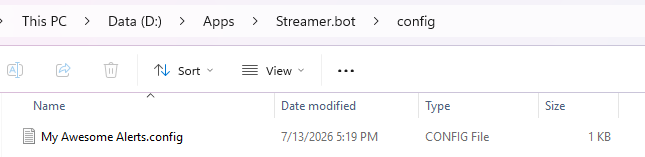
The first time your action runs, Configuration Helper will create a config directory in the Streamer.bot directory.
Inside this directory will be a configuration file named for the action that called it. If the action was called “My Awesome Alerts”, the configuration file will be My Awesome Alerts.config.
The content of the configuration file would look something like this:

On subsequent runs, Configuration Helper will load the values from the config file to override the active values in memory.