Description
Allow viewers to display their Profile Picture in a Movie Poster with Streamer.bot.
Resources
Movie Poster: movie-poster.zip (228.9 KB)
Streamer.bot
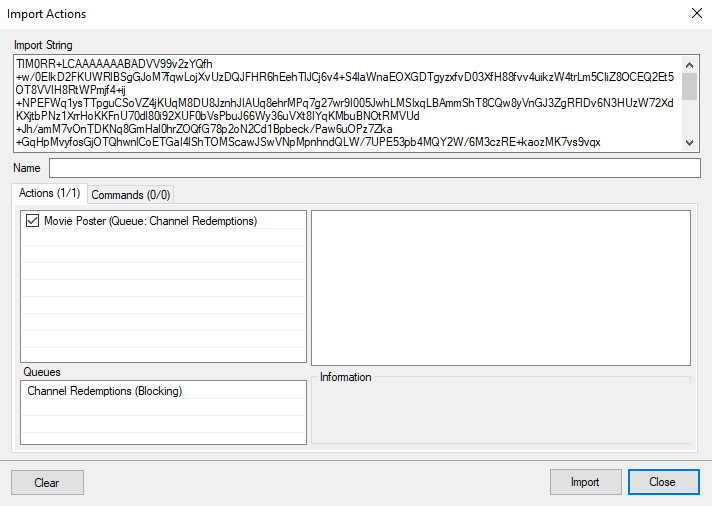
Download and drag the movie-poster.sb file into the Import Pane:
movie-poster.sb (1.4 KB)

OBS Studio
Create a new Browser Source and make sure Local File is NOT checked.
The source can be set to the canvas size or to a size that you prefer.
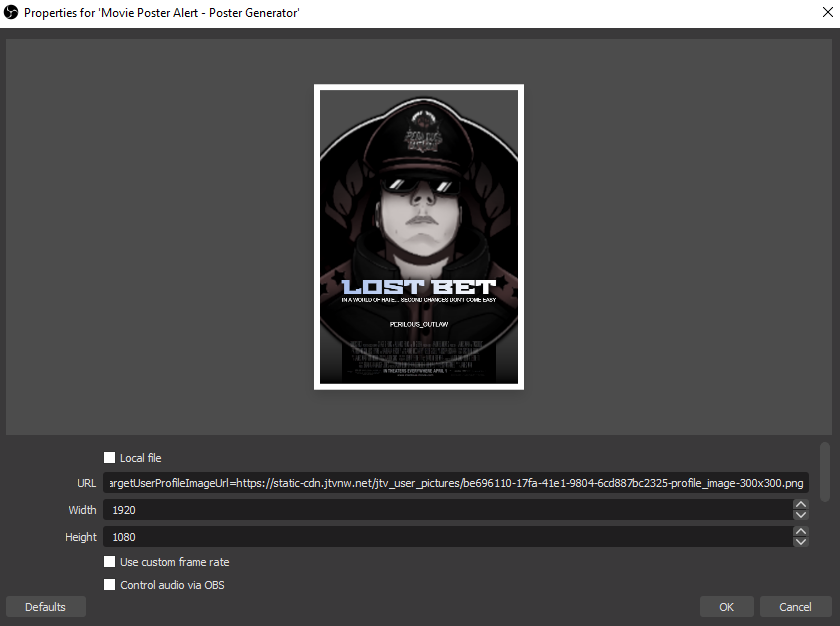
The URL doesn’t matter as we will have Streamer.bot automagically set this.
Configuration
Double click on the Obs Set Browser Source Url Subaction and make sure that it points to the index.html file in \Browser Sources\movie-poster.
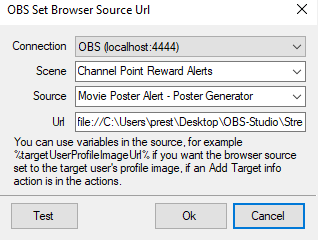
Do NOT remove the ?user=%user%&targetUserProfileImageUrl=%targetUserProfileImageUrl% from the end of the Obs Set Browser Source Url Subactions or it will NOT work.
Do NOT check Local File in the OBS Browser Source.
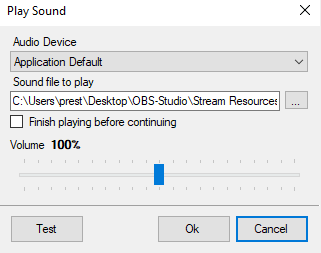
Double click on the Sound Subaction and make sure that it points to the movie-sound.mp3 file in \Sounds.
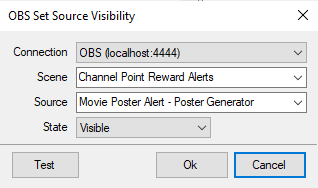
Make sure both OBS Set Source Visibility Subactions are pointing to your OBS connection and the new Browser Source you created.
Create a Channel Point Reward and tie it to the Action Movie Poster.
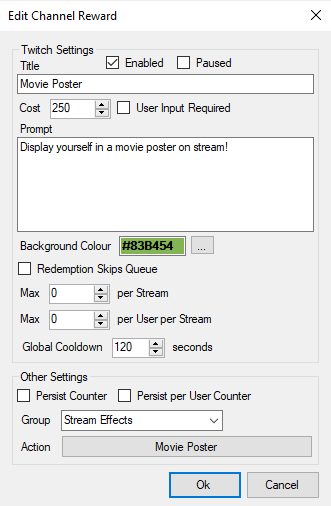
Now when a viewer redeems the Movie Poster reward they will see their profile picture popup on stream with their username and a random movie title.