Description
Stay Hydrated and keep chat engaged by keeping track of how much beverage you consume on stream with the Hydrate Redeem for Streamer.bot!
Tutorial
Resources
Source Copy: OBS Plugin
Hydrate Redeem: Resources (33.8 KB)
Steamer.bot
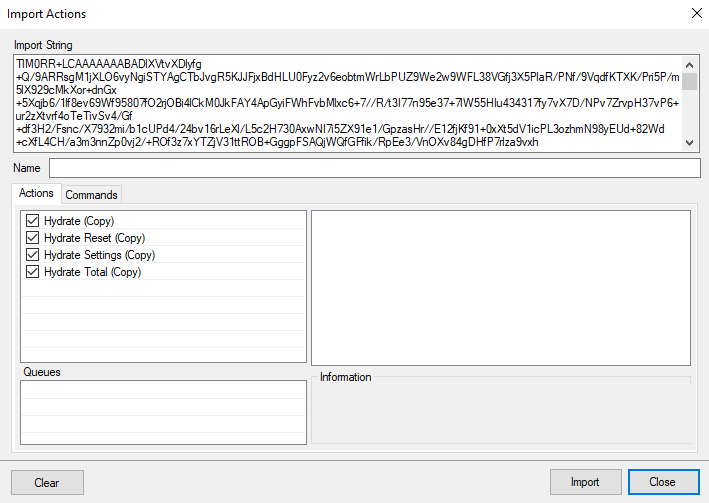
Drag the file Hydrate Redeem.txt into the Import Pane:
OBS Studio
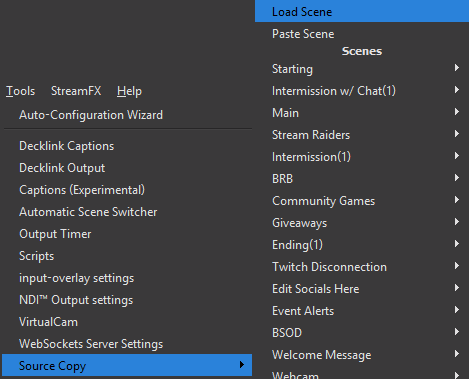
With Source Copy installed, go to Tools > Source Copy > Load Scene and select Hydrate Redeem.json.
Configuration
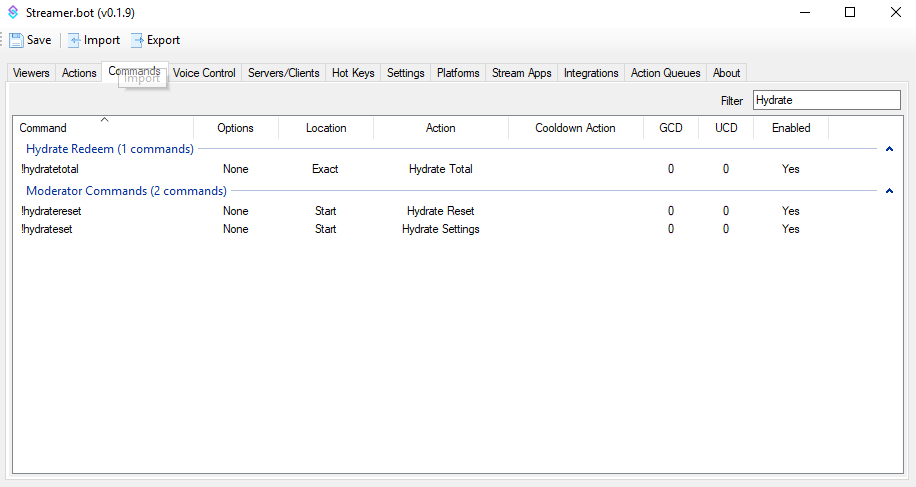
There needs to be 3 Commands created:
Chat Commands
!hydratetotal - Allows users to see the total amount of set beverage the streamer has had during stream..
Moderator Commands
!hydrateset - Allows Moderators to set the beverage of choice and serving size.
!hydratereset - Allows Moderators to reset the Hydrate Redeem tracker.
Channel Point Reward
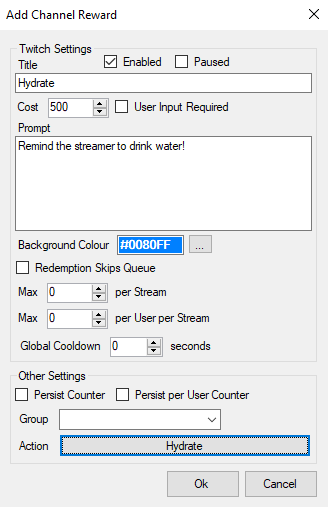
Create a Channel Point Reward called Hydrate and then tie it to the Action Hydrate.